How to Access the Darknet Safely (2026 Guide)
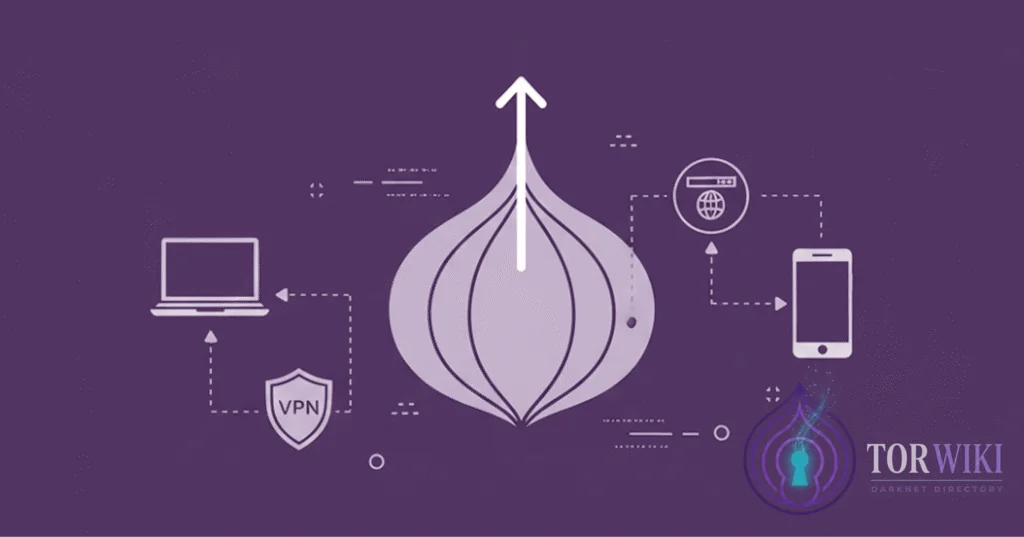
Accessing hidden services on the Tor network requires careful preparation and adherence to strict operational protocols. This comprehensive handbook provides step-by-step instructions for installing and configuring a hardened darknet browsing environment.
Step 1: Download and Cryptographically Verify Tor Browser
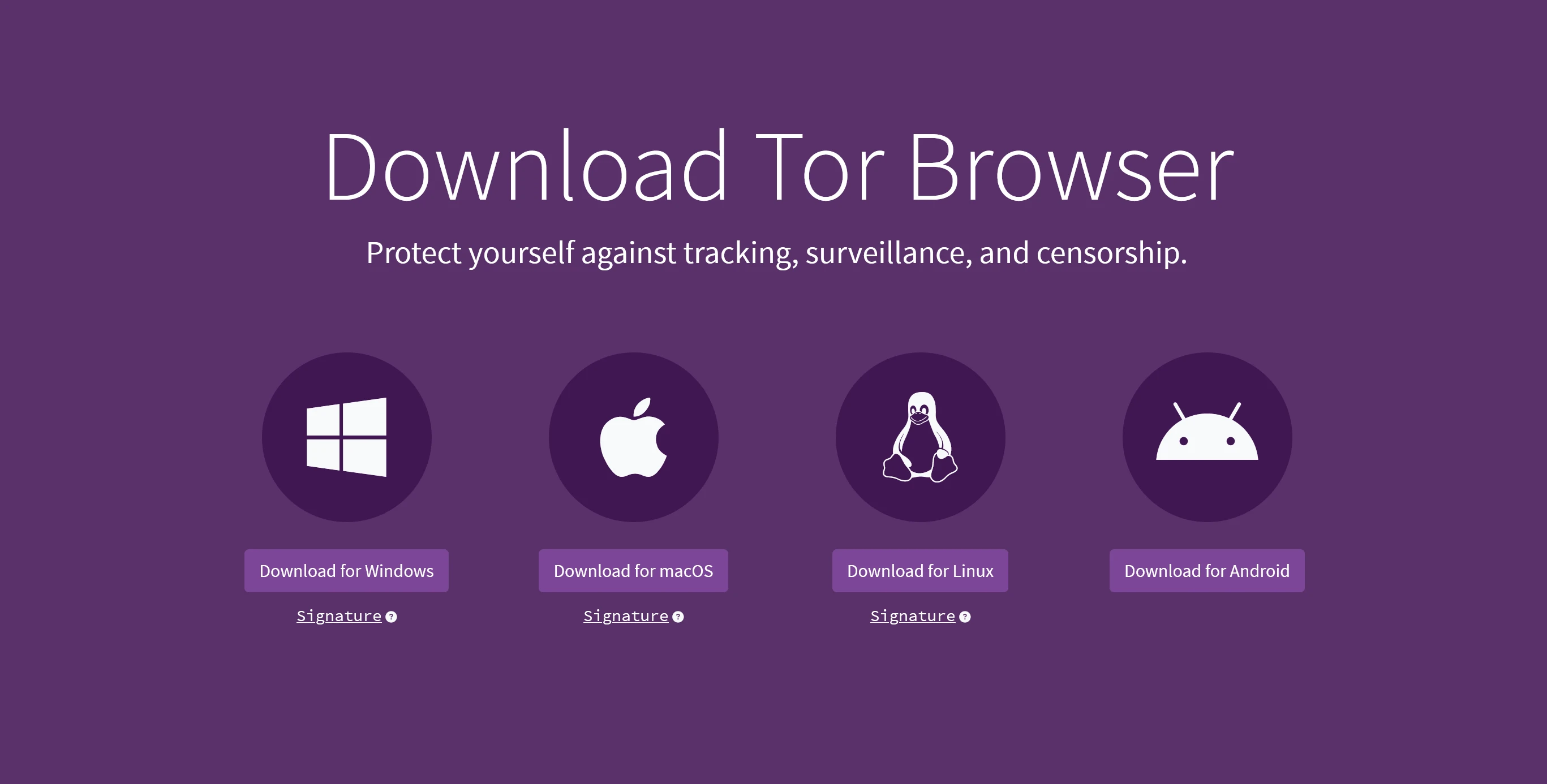
Never download the Tor Browser package from third-party software repositories or torrent trackers. Always acquire the installer directly from the official Tor Project portal:
https://www.torproject.org/download/Before executing the installer on your operating system, verify the developer's GnuPG digital signature against the official Tor Project signing key:
gpg --auto-key-locate nodefault,wkd --locate-keys [email protected]
gpg --verify tor-browser-linux64-*.tar.xz.asc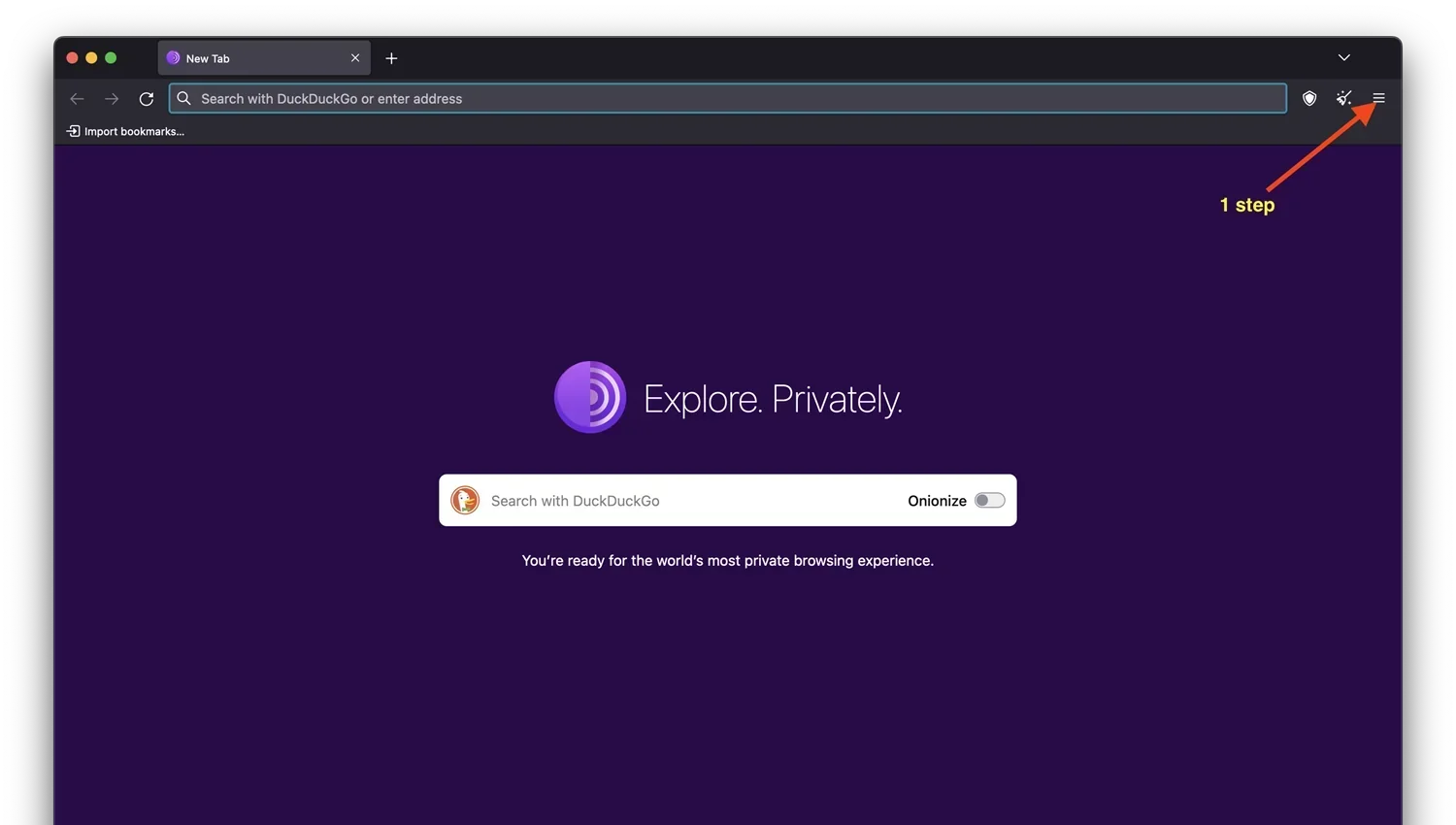
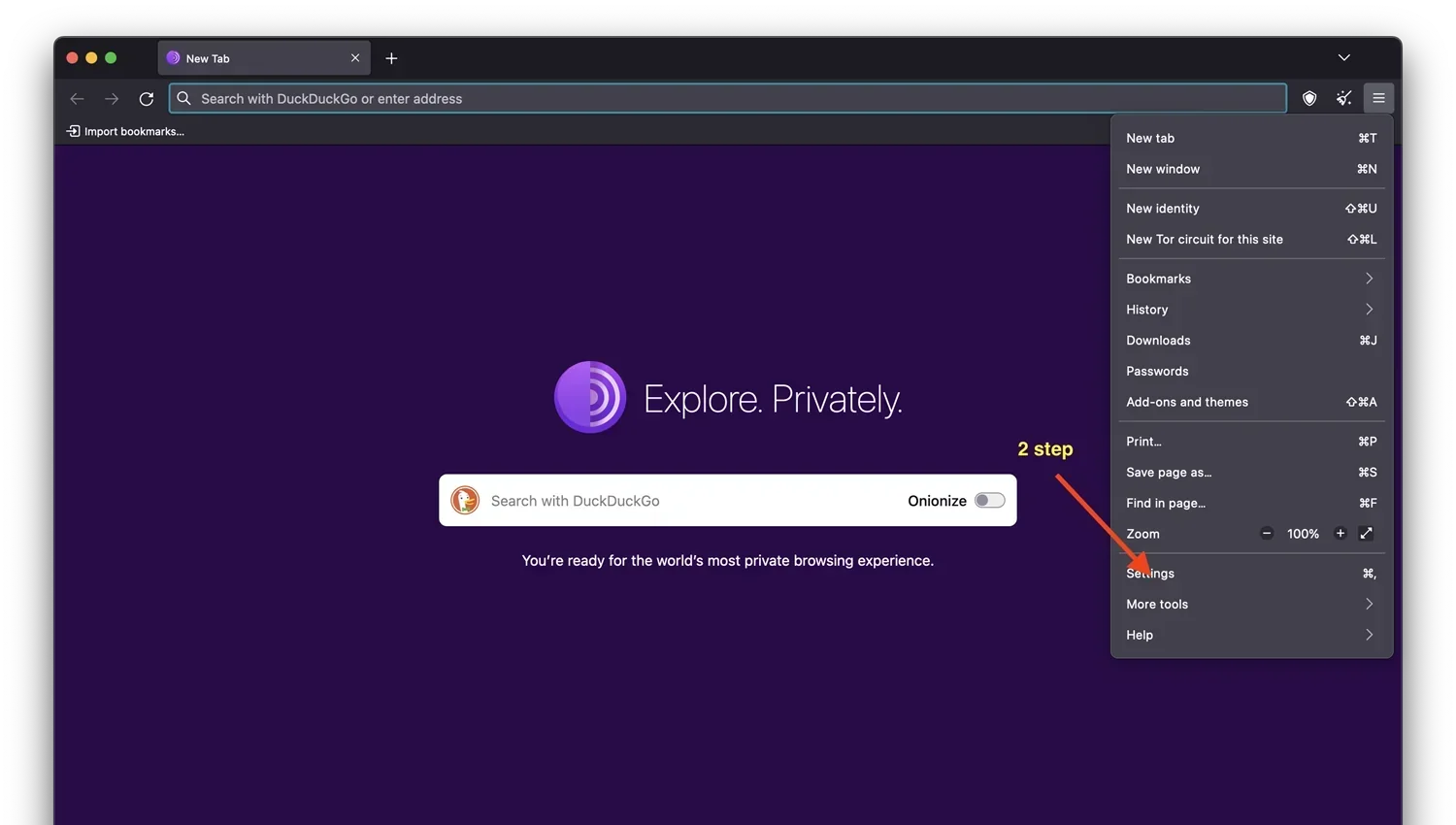
Step 2: Hardening Browser Security Settings
By default, Tor Browser is configured for general usability on clearnet sites. To browse darknet marketplaces safely, modify the following security parameters:
- Security Level to "Safest": Click the shield icon in the top toolbar and set the level to Safest. This completely disables client-side JavaScript execution, inline SVG animations, WebGL rendering, and audio APIs.
- Disable WebRTC and Canvas Data: Ensure WebRTC is disabled to prevent accidental leaks of your real local IP address.
- Avoid Window Resizing: Tor Browser uses letterboxing to standardize browser dimensions. Never maximize your browser window, as unique screen dimensions allow website operators to fingerprint your monitor resolution.
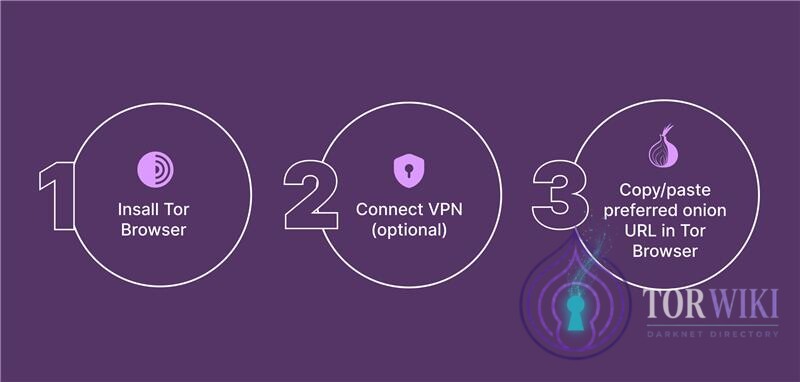
Step 3: Three Steps to Accessing the Dark Web
If your Internet Service Provider (ISP) or local network restricts access to known Tor relay directory nodes, configure a pluggable transport:
- obfs4 Bridges: Obfuscates Tor traffic to resemble randomized unclassified TCP streams, preventing Deep Packet Inspection (DPI) classification.
- Snowflake: Routes your connection through ephemeral WebRTC proxy relays operated by volunteers in unrestricted regions.
Users unable to establish local Tor circuits due to ISP censorship or firewall blocks may also utilize the official audited clearnet mirror and documentation gateway at Nexus Market (nexusgid.com).